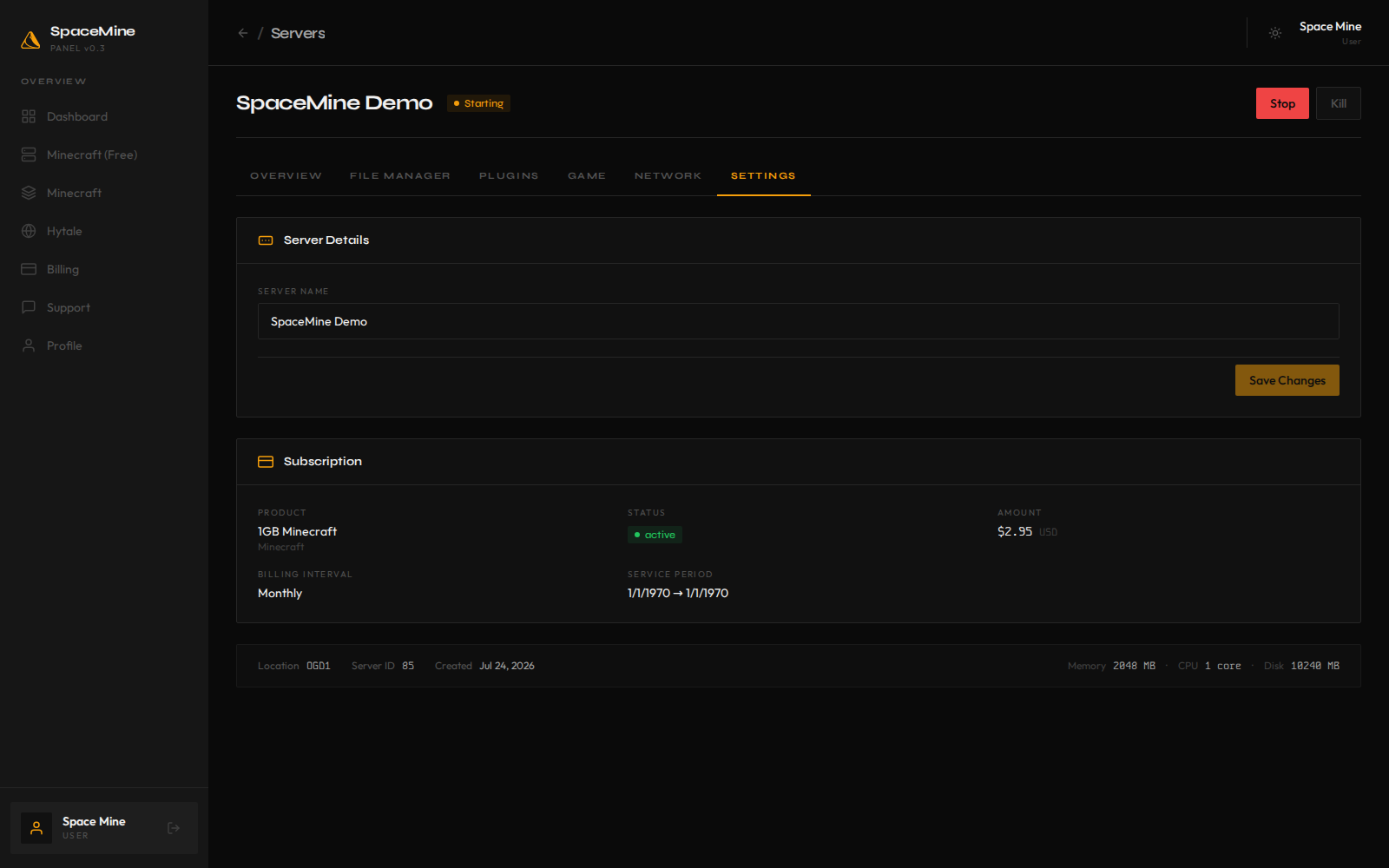
Game hosting from a real panel.
Deploy Minecraft servers in seconds, manage them in one place, and only pay for the uptime you need. The screenshots below are from the live SpaceMine platform.
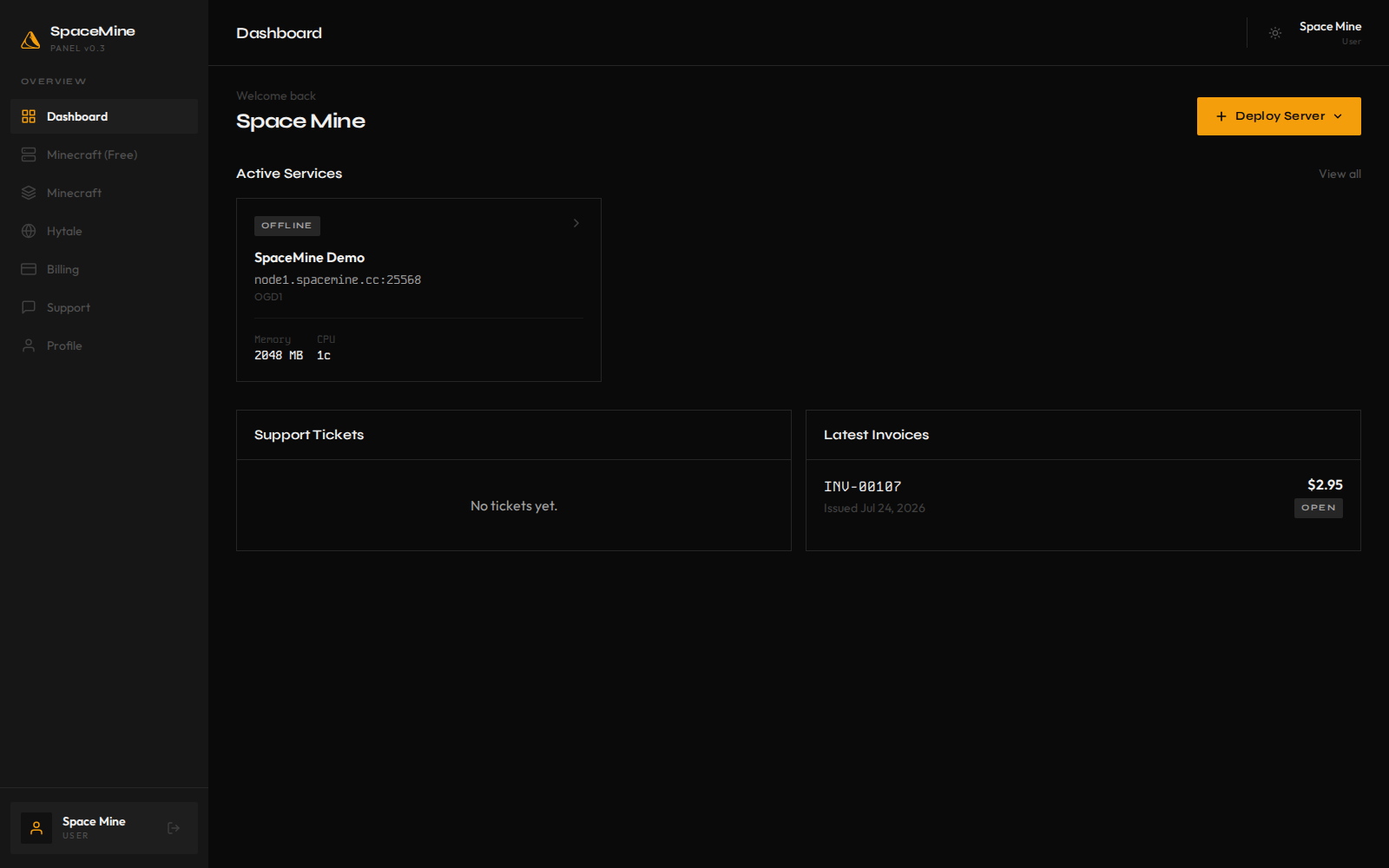
Deploy Minecraft servers in seconds, manage them in one place, and only pay for the uptime you need. The screenshots below are from the live SpaceMine platform.
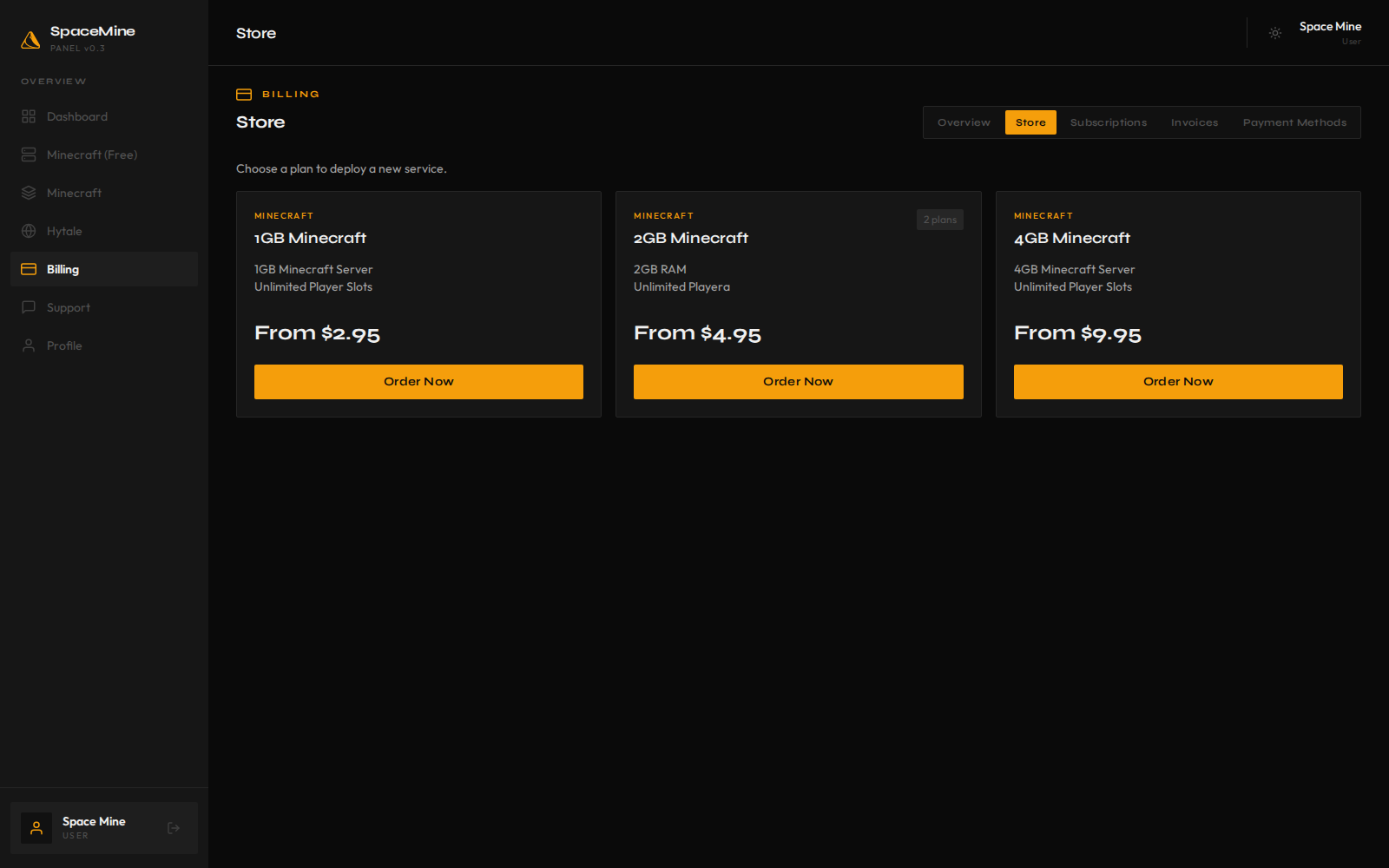
Zero to server
Pick a plan, configure the server, and start playing. Everything happens inside the same panel.
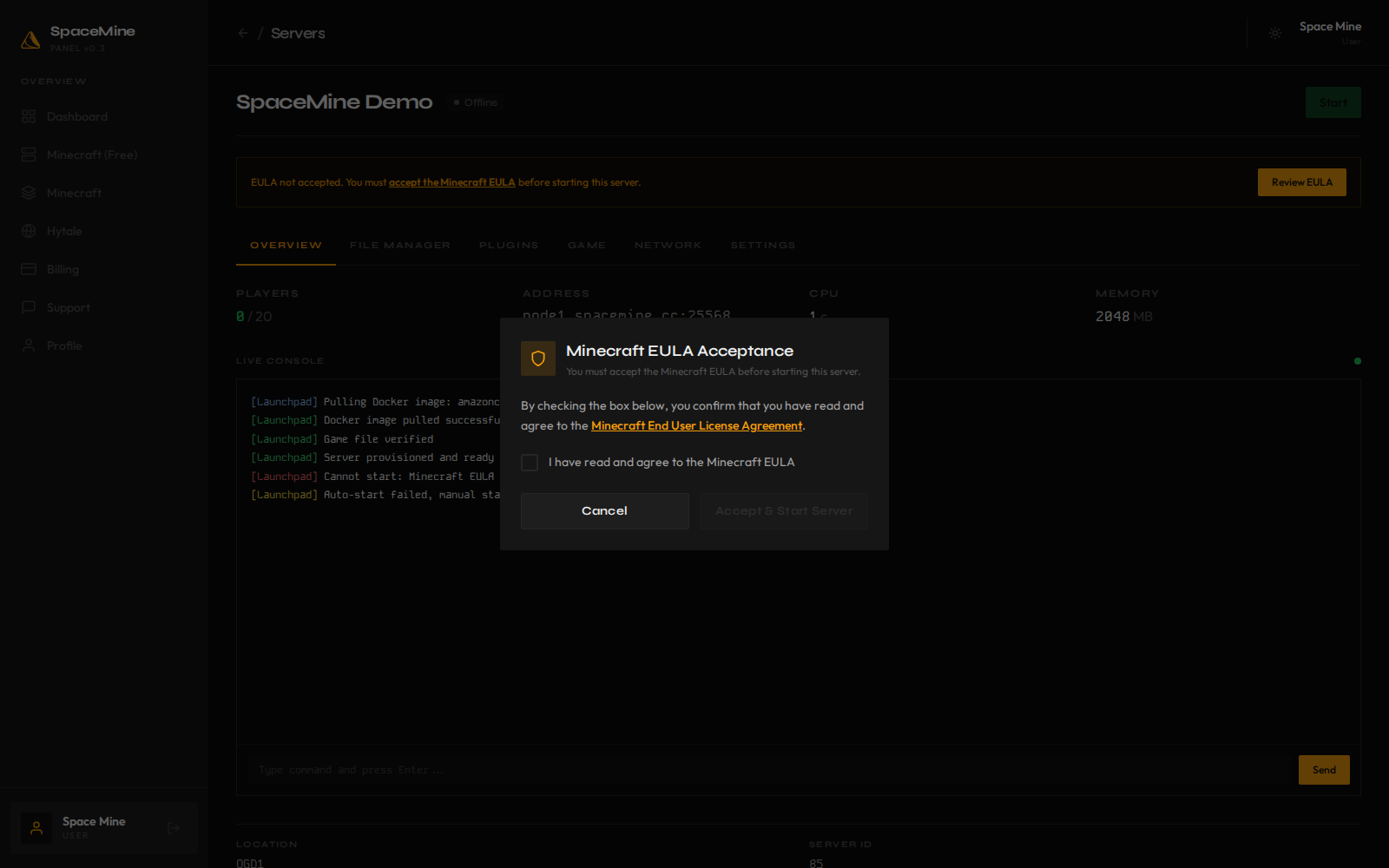
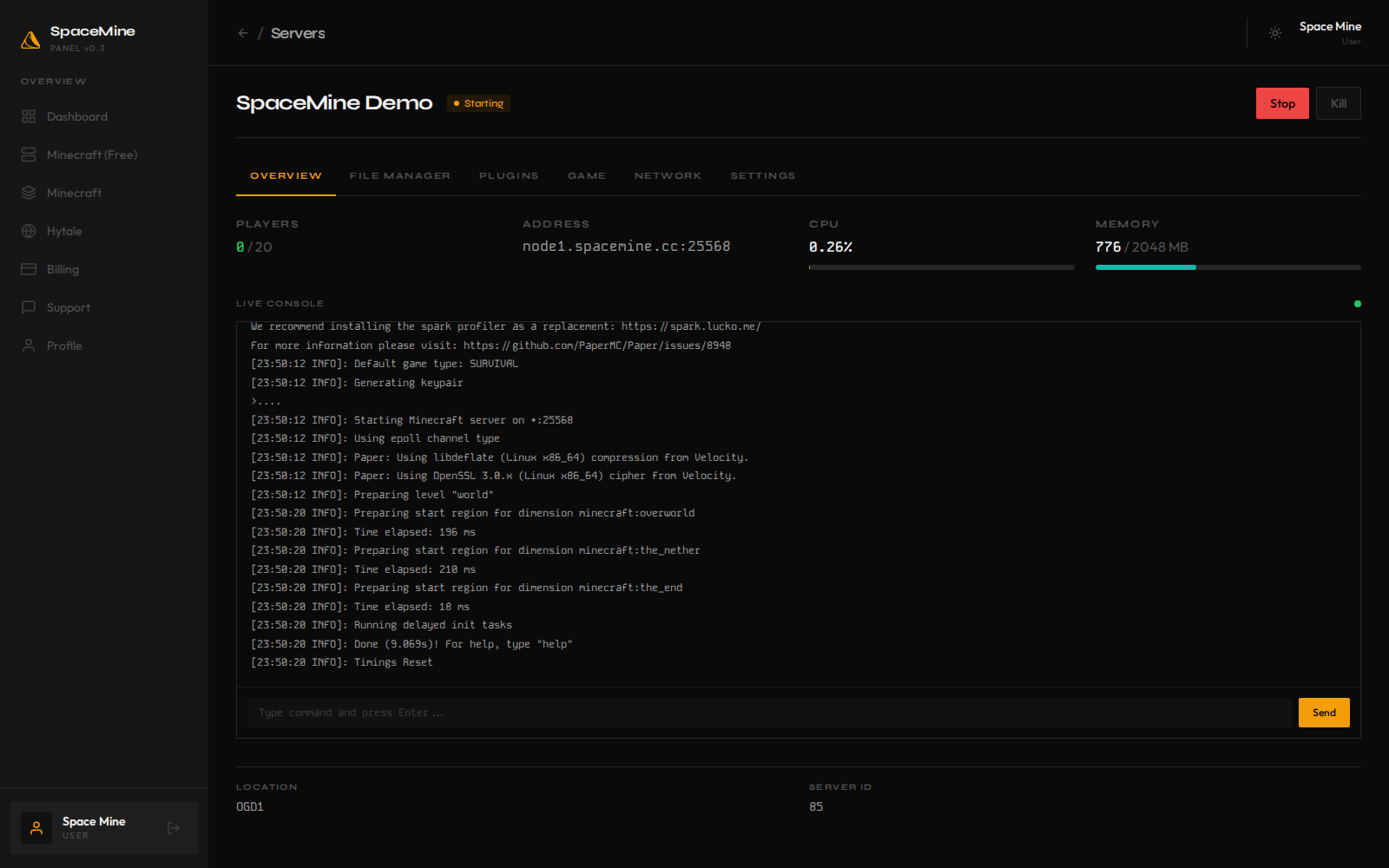
Control
Start and stop the server, edit files, install plugins, manage ports, and swap game versions — all from the browser.
Browse panel screenshots →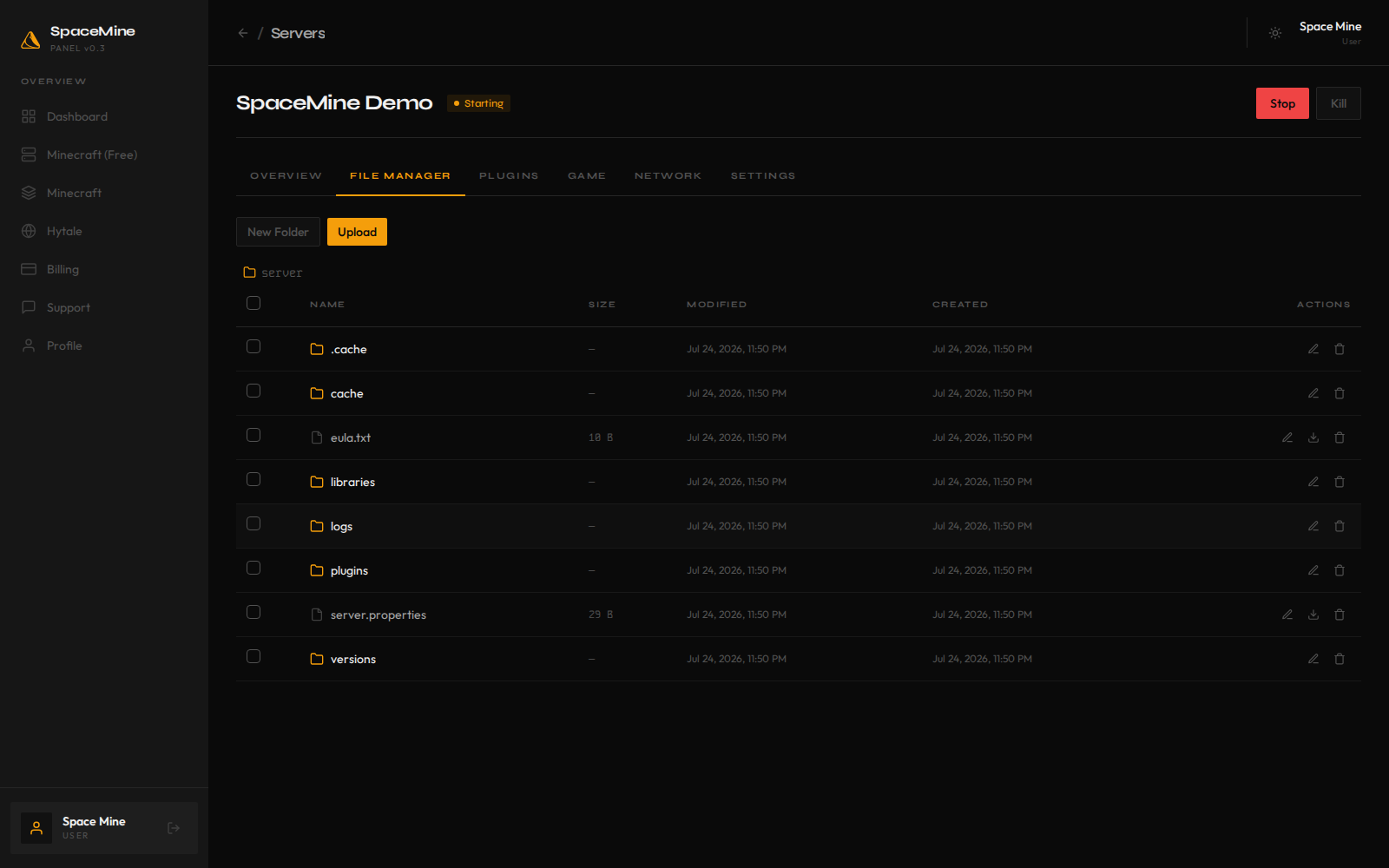
Sleep / wake
Free tiers checkpoint to disk when no one is online and wake on the next join. Paid tiers stay live with direct addresses.